Wyprzedane Nowość
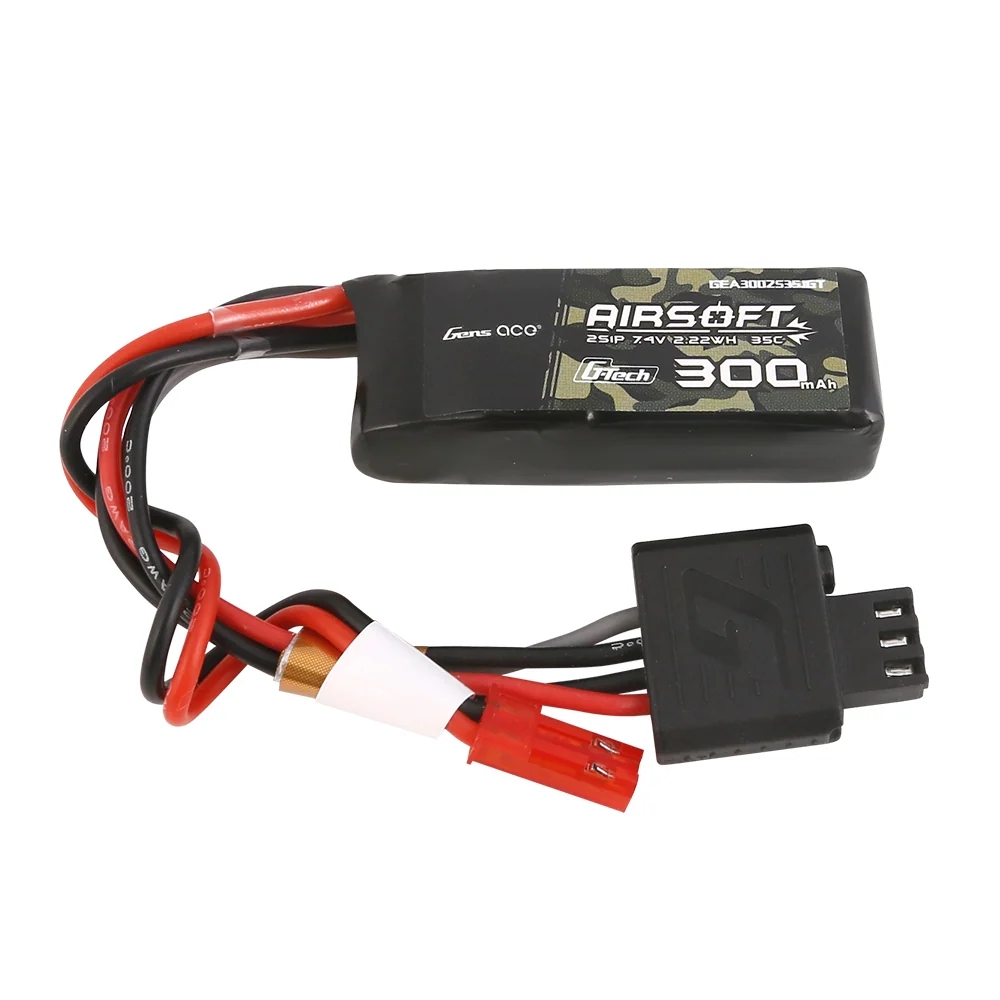

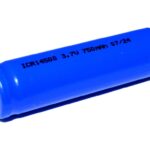
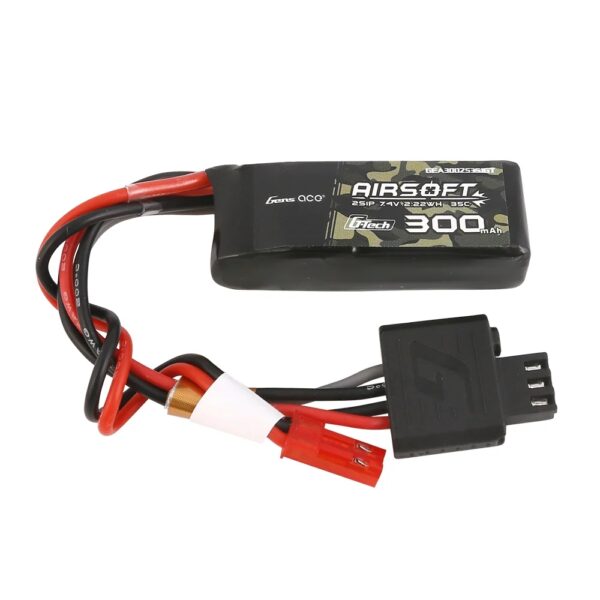
Gens ACE G-Tech Smart Li-Pol Battery 7.4V / 300 mAh, 35C (JST) – HPA
39,99 zł
Brak w magazynie
Ten produkt jest obecnie wyprzedany.
Bez obaw! Podaj swój adres e-mail, a my powiadomimy Cię, gdy tylko produkt wróci do magazynu.
Opis
How to charge a Li-Po battery with a G-Tech Smart connector
A Li-Po battery with a G-Tech Smart connector can be charged in two ways. With a compatible G-Tech Smart charger, the battery parameters are recognised automatically. When using a conventional universal Li-Po charger, the correct battery type, number of cells and charging current must be set manually.
A) Charging with a G-Tech Smart charger (e.g. iMars mini / D300)
A G-Tech Smart charger automatically recognises the battery parameters using the integrated chip. There is therefore no need to manually set the battery type, number of cells or charging current.
- Connect the main power connector: Connect the battery’s black connector (JST-SYP) to the corresponding charger port. If necessary, use a compatible adapter supplied with the charger.
- Connect the G-Tech Smart balance connector: Plug the black balance connector into the designated G-Tech port on the charger. The connector can only be inserted correctly in one orientation.
- Wait for automatic detection: The charger reads the information stored in the battery chip and displays its parameters, such as LiPo, 2S, 300 mAh.
- Start charging: The charger automatically sets the appropriate charging parameters. For a 300 mAh battery, a current of 0.3 A is typically used. Depending on the charger type, confirm the start of charging or the process may start automatically.
- Wait for charging to finish: The charger indicates a full charge with an audible signal, indicator light or Full / Charge Done message. Then disconnect the battery.
B) Charging with a conventional universal Li-Po charger (e.g. SkyRC iMax B6)
A conventional Li-Po charger cannot read data from the G-Tech Smart chip. You must ..
Related products


-22%
Pierwotna cena wynosiła: 50,99 zł.50,99 złAktualna cena wynosi: 50,99 zł.