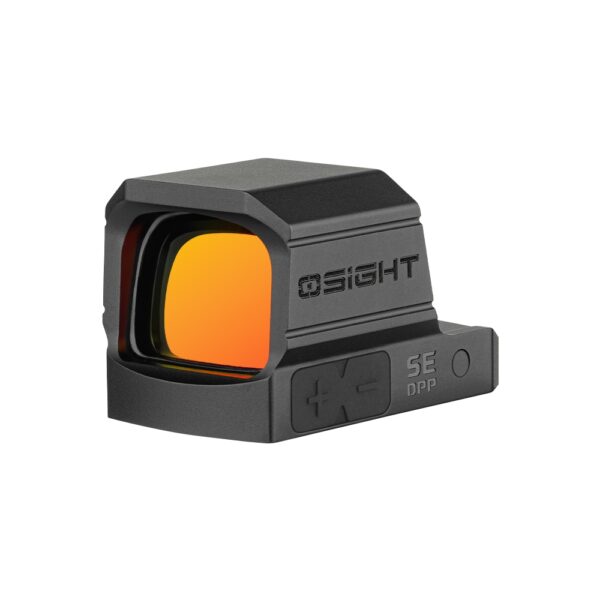
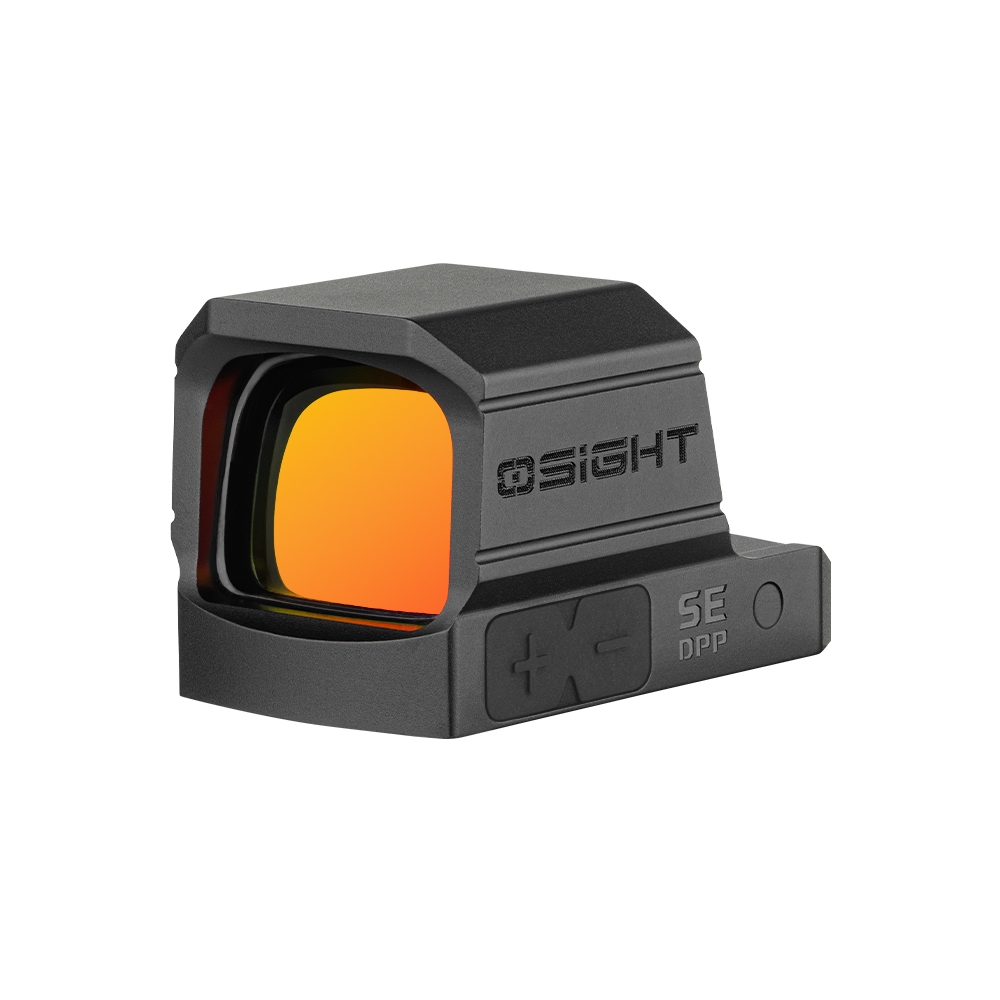
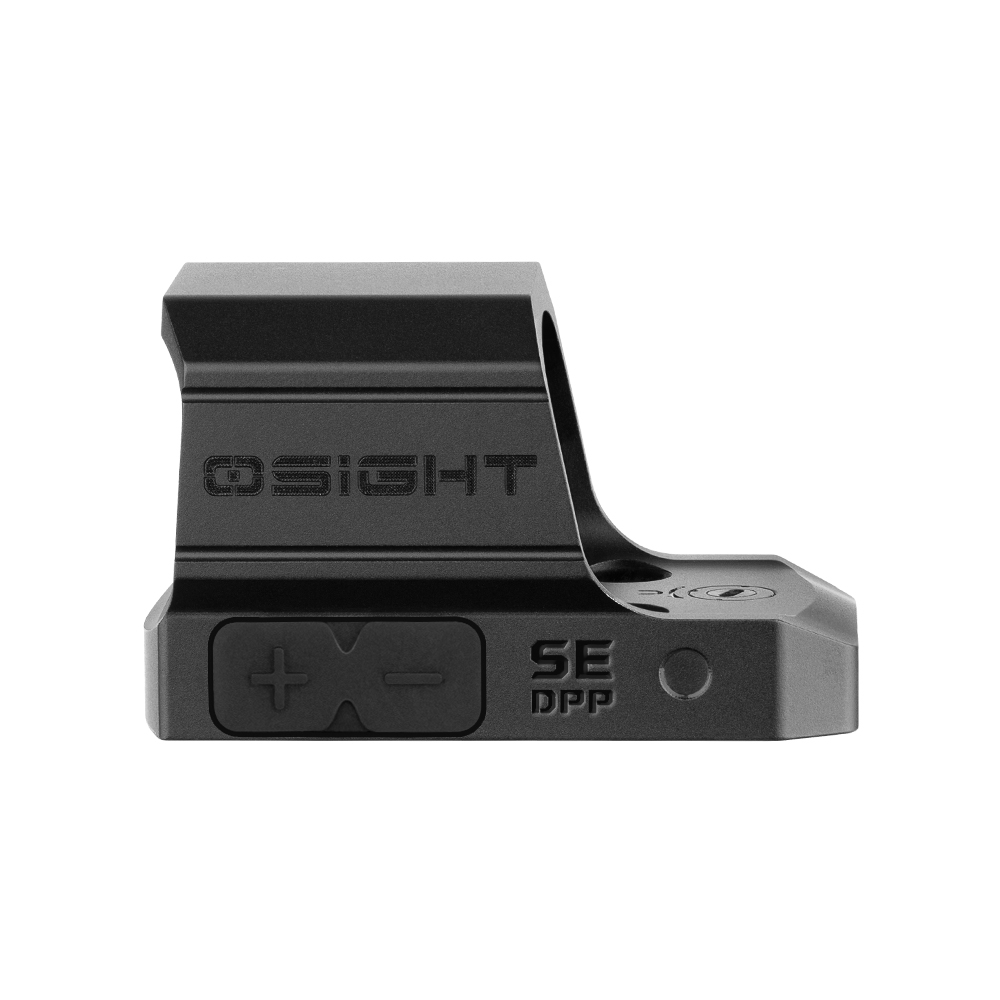
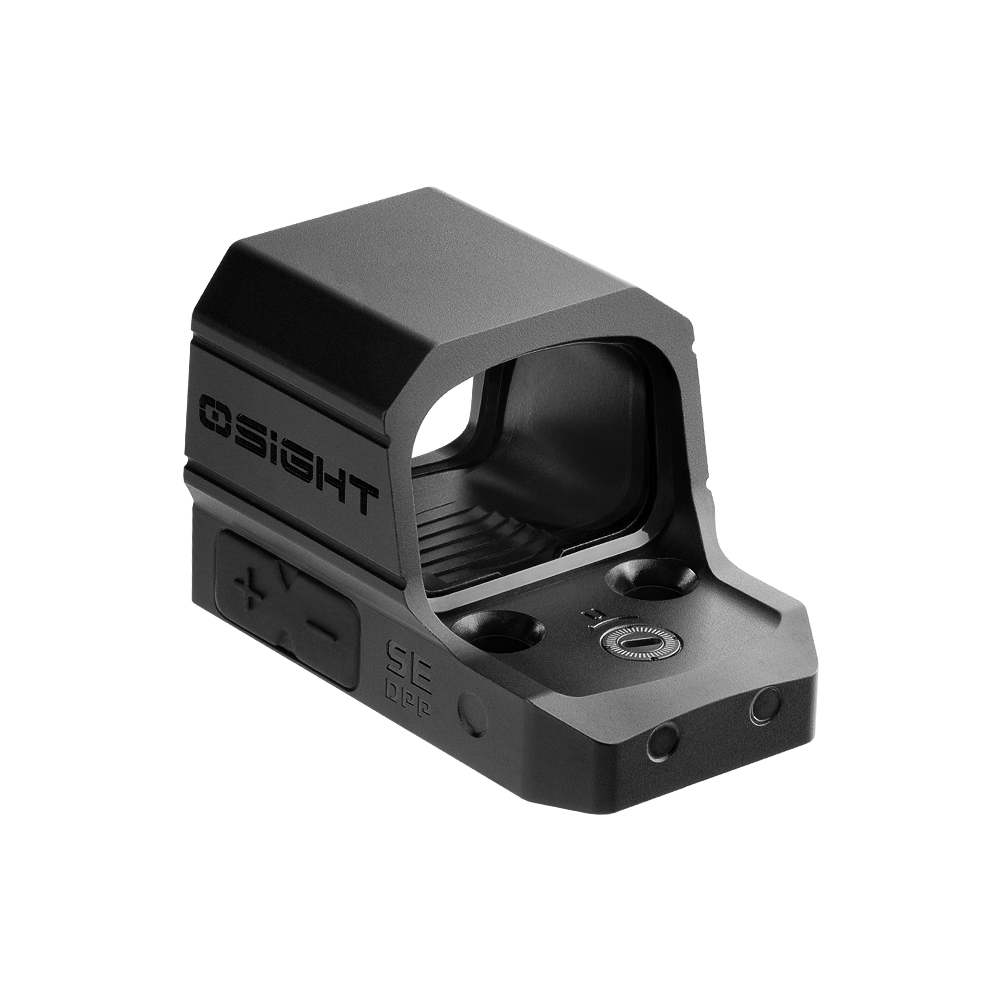
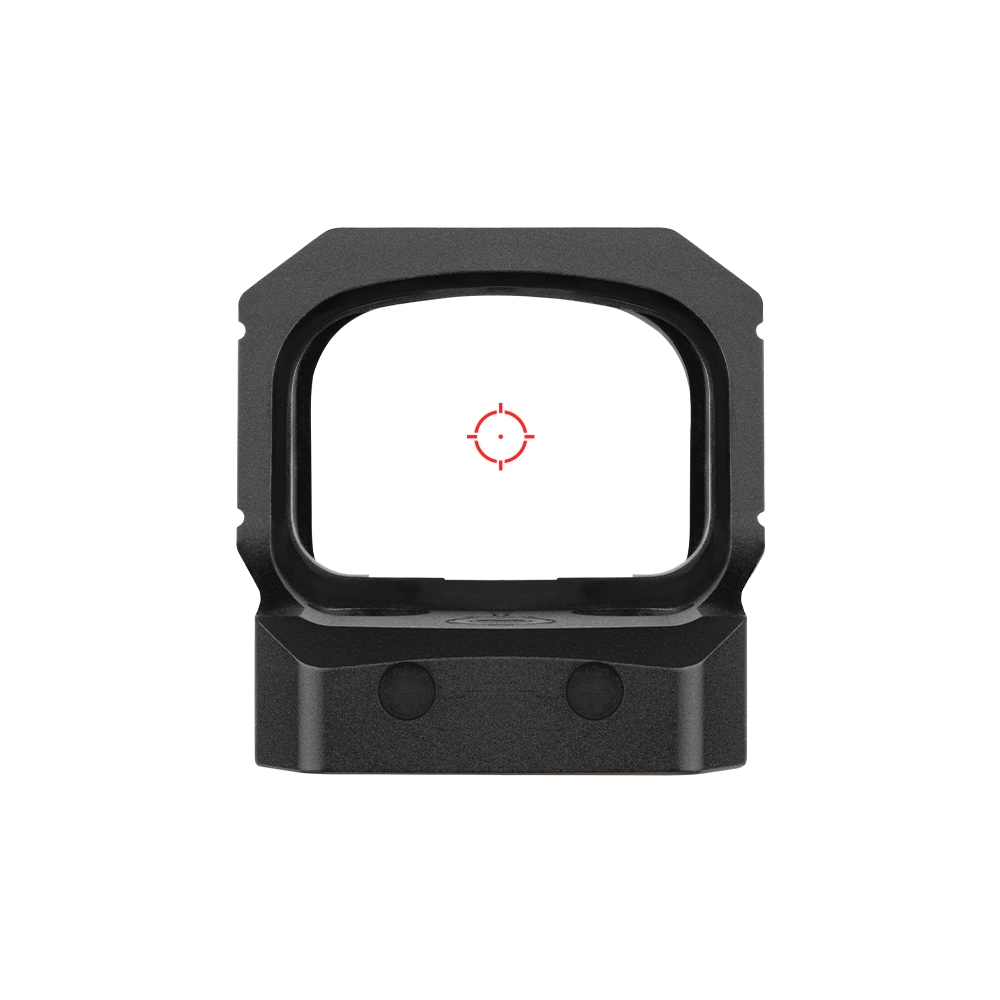
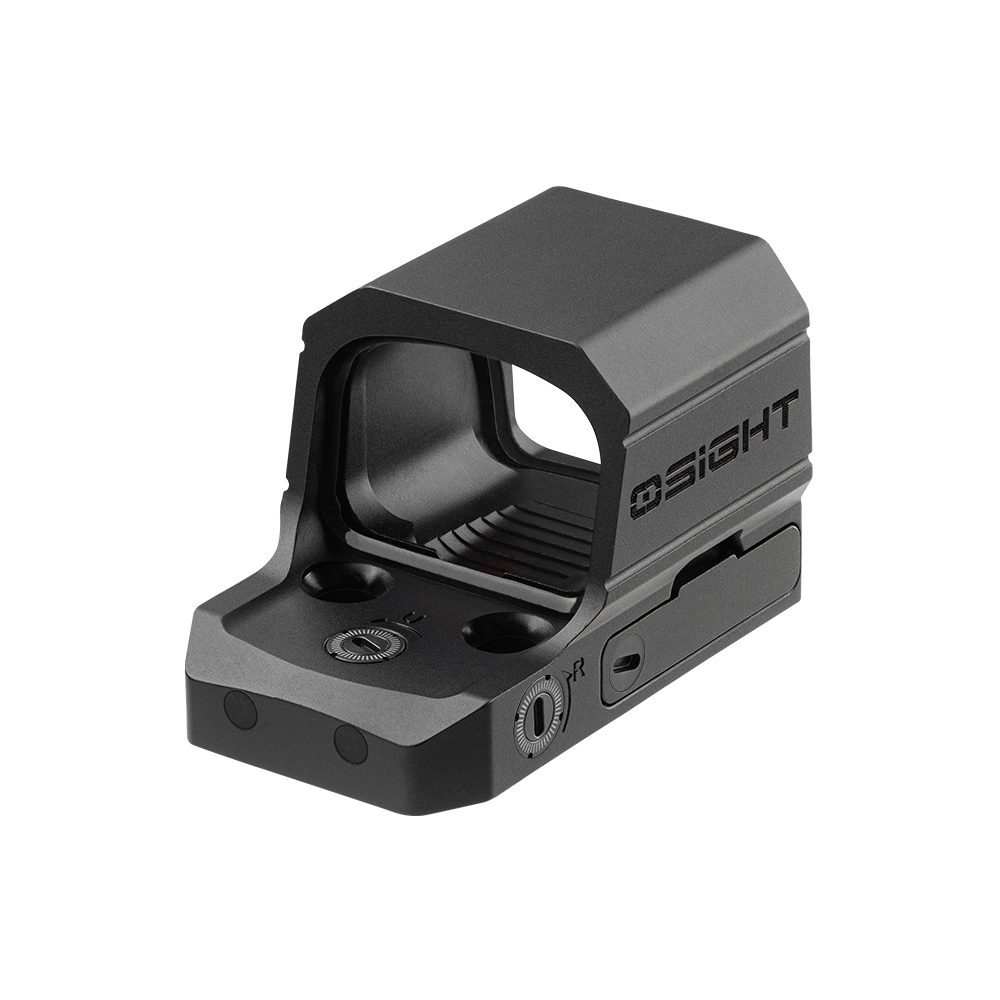
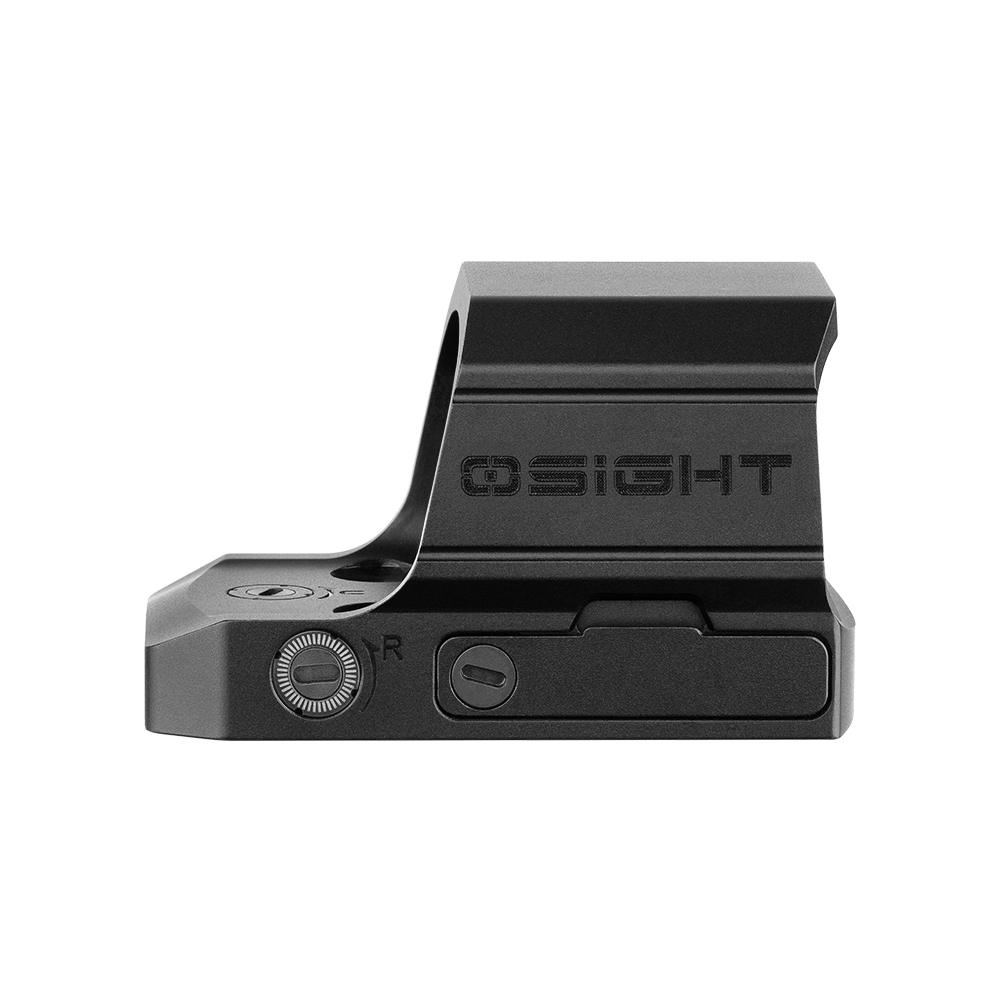
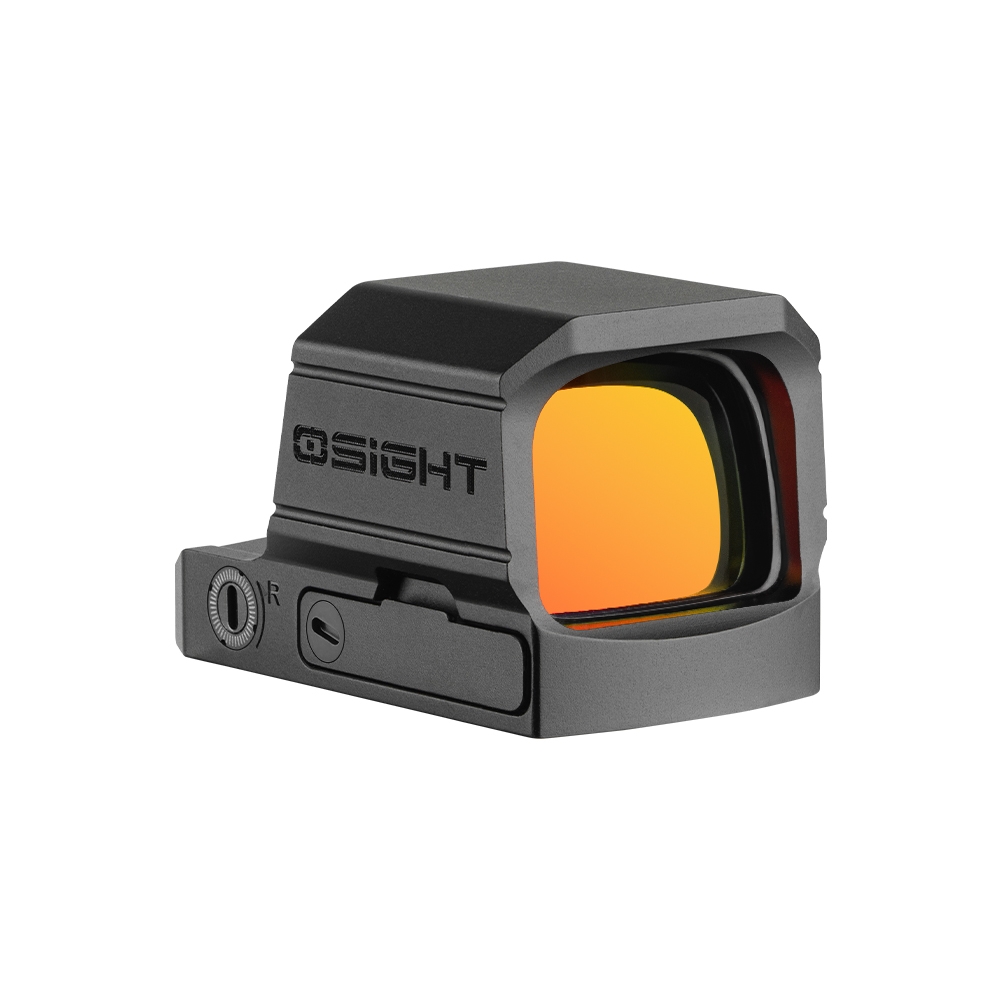
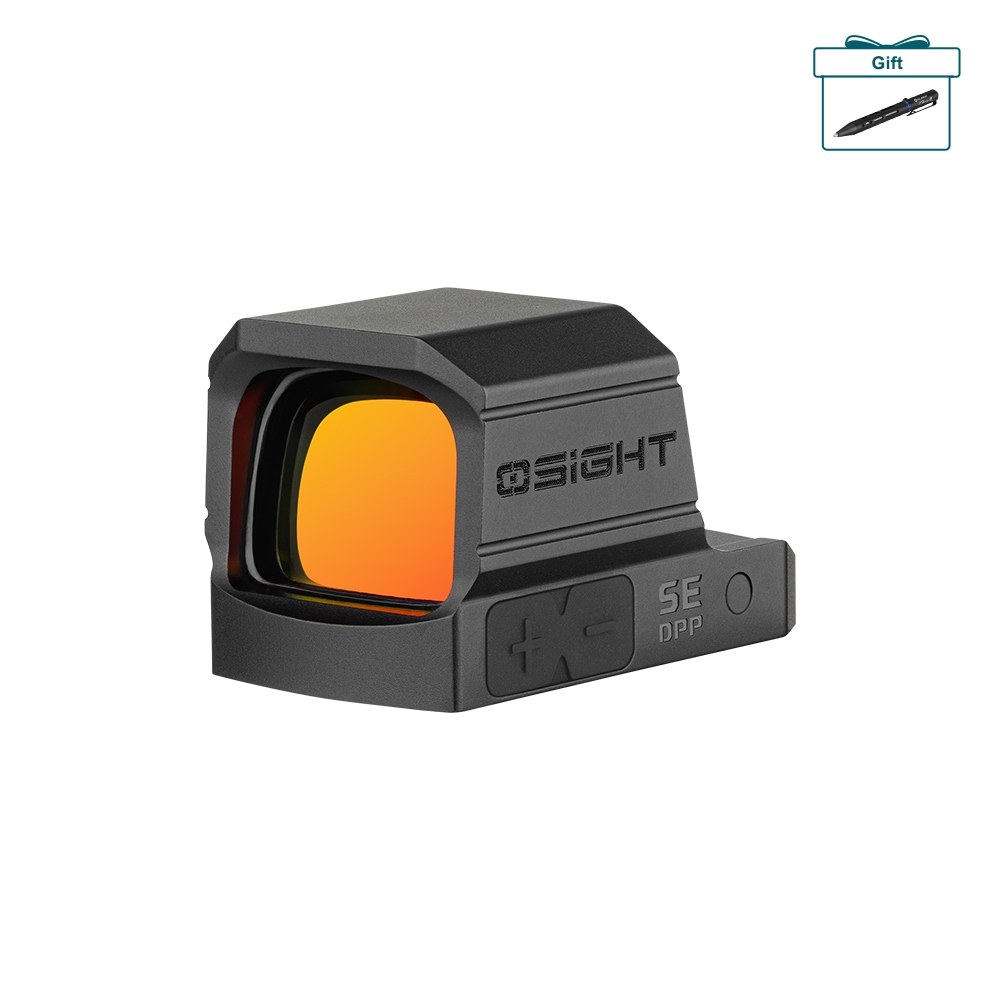
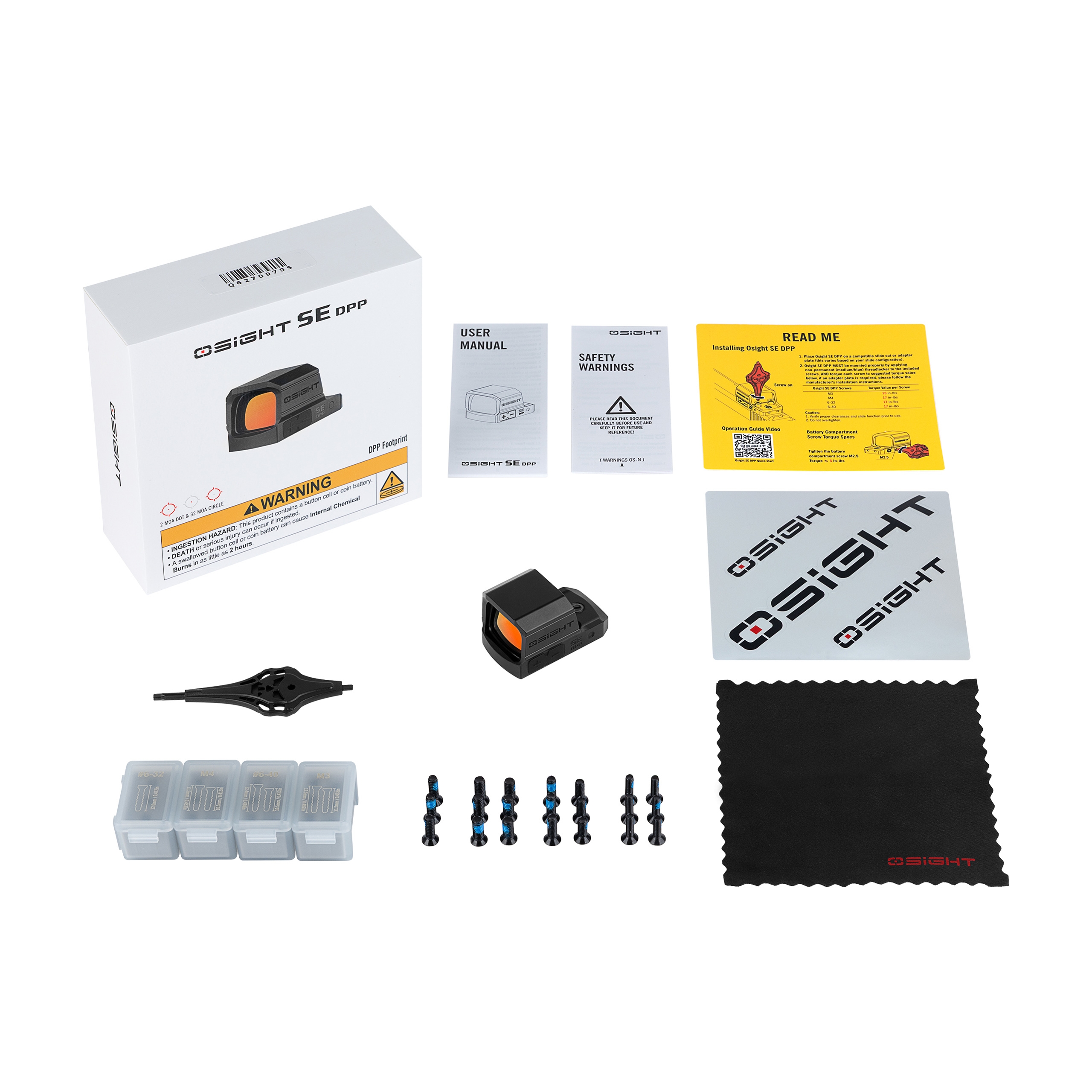
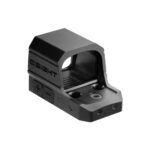
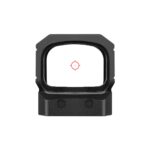
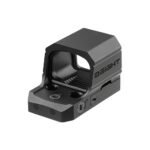
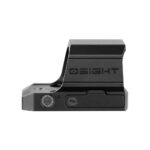
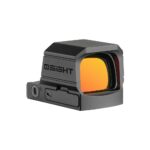
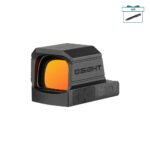
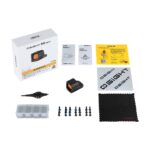
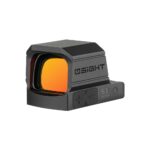
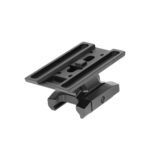
OLIGHT Osight XE AMRS Enclosed Red Dot Sight, RMR Footprint – Black
1.116,99 zł
Brak w magazynie
Ten produkt jest obecnie wyprzedany.
Bez obaw! Podaj swój adres e-mail, a my powiadomimy Cię, gdy tylko produkt wróci do magazynu.
Operating the Osight XE AMRS red dot sight
1. Switching on and off
By default, the red dot sight is ready to activate automatically when movement is detected. It can be switched on manually by pressing the plus or – button. To switch it off manually, press and hold the plus and – buttons simultaneously for at least 0.5 seconds.
2. Motion sensor
The motion sensor is enabled from the factory. After 3 minutes without movement, the red dot sight enters sleep mode and reactivates when movement is detected. To change the sensor setting while the red dot sight is switched on, press the – button twice and then hold it for more than 3 seconds. One reticle flash confirms that the function has been enabled, while two flashes confirm that it has been disabled.
3. Changing the AMRS(TM) reticle
With the red dot sight switched on, hold the – button for more than 2 seconds. The individual reticles will begin cycling in the following order: 2 MOA dot → 2 MOA dot plus 32 MOA circle → 6 MOA dot → 6 MOA dot plus 32 MOA circle → 32 MOA circle. Release the button when the desired reticle is displayed. The default setting is the 2 MOA dot.
4. Brightness adjustment
Briefly press the plus button to increase brightness and the – button to decrease it. A total of 10 levels are available. Levels 1 and 2 are intended for NV use, while the remaining 8 levels are intended for daytime use. When the highest or lowest level is reached, the reticle flashes once.
5. Folding CBRS(TM) backup rear sight
To deploy the backup rear sight, press the release button on the rear of the red dot sight. The sight will extend into its operating position. To fold it away, push it back into the body until it locks with an audible click.
6. Low battery warning
If the battery voltage drops below 2.2 V..
Related products